YOUR CEILING CALLED. IT’S EMBARRASSED.
IT'S HOT. WE FIX THAT.
We don't do "good enough." We build icons that command a room and airflow that demands respect. Whether it’s a high-end sanctuary or a hellish shop floor, we’re the difference between enduring a space and enjoying it.
YOUR CEILING CALLED. IT’S EMBARRASSED.
IT'S HOT. WE FIX THAT.
We don't do "good enough." We build icons that command a room and airflow that demands respect. Whether it’s a high-end sanctuary or a hellish shop floor, we’re the difference between enduring a space and enjoying it.
YOUR CEILING CALLED. IT’S EMBARRASSED.
IT'S HOT. WE FIX THAT.
We don't do "good enough." We build icons that command a room and airflow that demands respect. Whether it’s a high-end sanctuary or a hellish shop floor, we’re the difference between enduring a space and enjoying it.
Airflow Hall of Fame
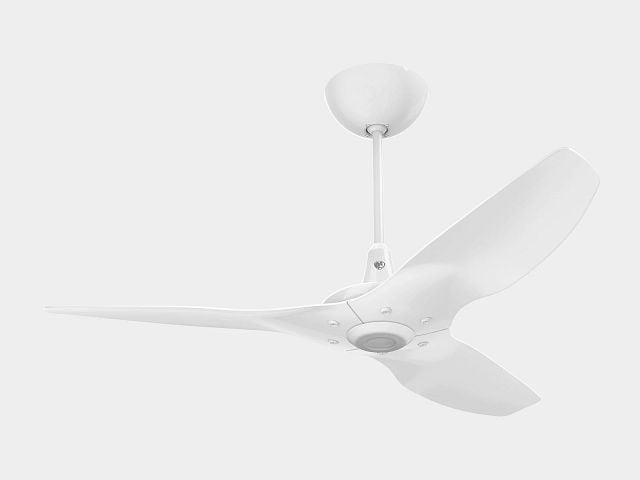
Haiku® Ceiling Fan
$1,550.00 - $2,730.00
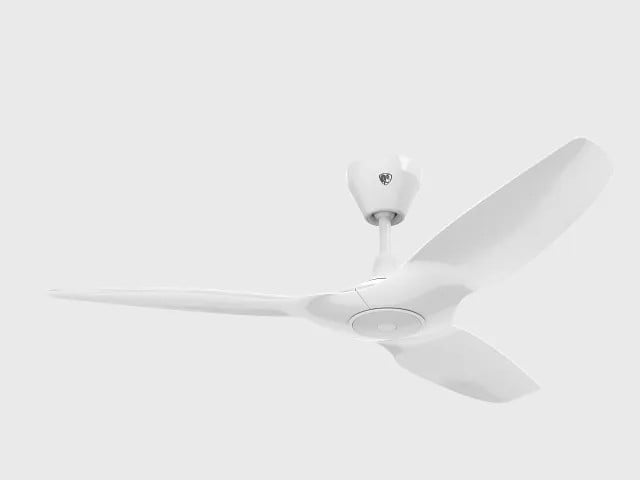
Haiku® L Ceiling Fan
$849.00 - $999.00

Powerfoil® X4 HVLS Fan
$9,999.00 - $10,699.00

i6® Outdoor Ceiling Fan
$2,350.00 - $3,810.00

Haiku® Coastal Marine-Grade Outdoor Ceiling Fan
$1,700.00 - $2,050.00

Powerfoil® 6 HVLS Fan
$6,499.00 - $7,199.00

Essence® HVLS Fan
$5,199.00 - $5,799.00

AirEye® Wall Fan
$1,049.00 - $1,899.00


STATESIDE SOUL.
No call centers, no scripts. Just real humans who know how a wrench works.

A 15-YEAR VOW.
We don’t build for the landfill. It’s a decade and a half of "we’ve got your ass covered."

NEVER GENERIC.
We don't do "off the shelf". From custom finishes to industrial mounts, we build exactly what you need.

BUILT FOR HUMANS.
Every bolt and blade is born from a total obsession with the people standing under them.
THE COMPANY WE KEEP.
See why over 80% of Fortune 500’s refuse to settle for anything less than a Big Ass Fan. Check out our case studies below for the cold, hard proof.


Braun’s Ice Cream & Dairy
Braun’s Ice Cream and Dairy stands for freshness. Thanks to Big Ass Fans and cooler air, employees became as fresh as the products they ship.

George Mason University
George Mason University needed a solution for consistent comfort in one of its most demanding and challenging environments—the Aquatic and Fitness Center.

Ross Stores, Inc.
Ross Stores, Inc., the largest off-price apparel and home fashion chain in the U.S., wanted to increase employee comfort in the eight warehouses that support 1,847 Ross Dress for Less stores wand 358 dd’s DISCOUNT Stores. The choice for maximum employee comfort? Big Ass Fans.

The Edge Fitness Club
When Vinny Sansone started the Fitness Edge, he fulfilled his lifelong dream to own a gym. The name has changed and the company has expanded, yet the mission is the same: to create a wonderful environment for their clients’ workout experience.

Big Ass Fans
IT STARTED IN THE BARN.
In 1999, we stumbled onto a breakthrough that was as practical as it was powerful: cooling cows. Farmers already knew that a comfortable cow produces more milk. We simply proved that better air was the catalyst. It turns out, humans aren't much different. We call it Return on Air. It's the simple reality that when you stop forcing your people to fight the heat, they start winning the day. Because whether you're making milk or making history, you do it best under a Big Ass Fan.